DOWNLOAD THE CAMP VC 2026 booking app

PLEASE FOLLOW THESE STEPS CAREFULLY.

ANY ISSUES? BOOKINGS@CAMPVC.CO.UK


step 1

Download the Guidebook App onto your mobile by CLICKING HERE.

If you already have Guidebook installed from previous events, you can skip this step.


step 2

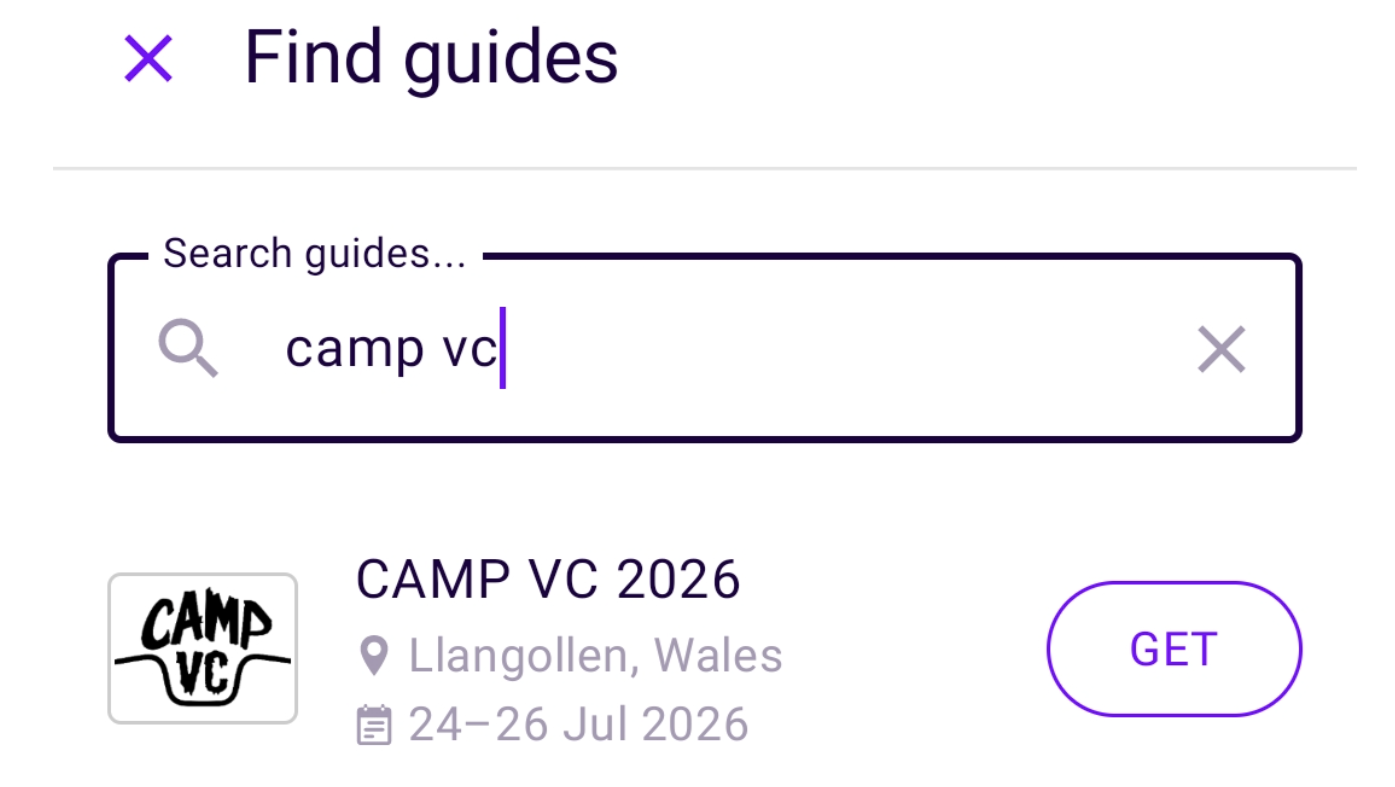
Search ‘CAMP VC 2026’ inside the app and download our event guide.


step 3

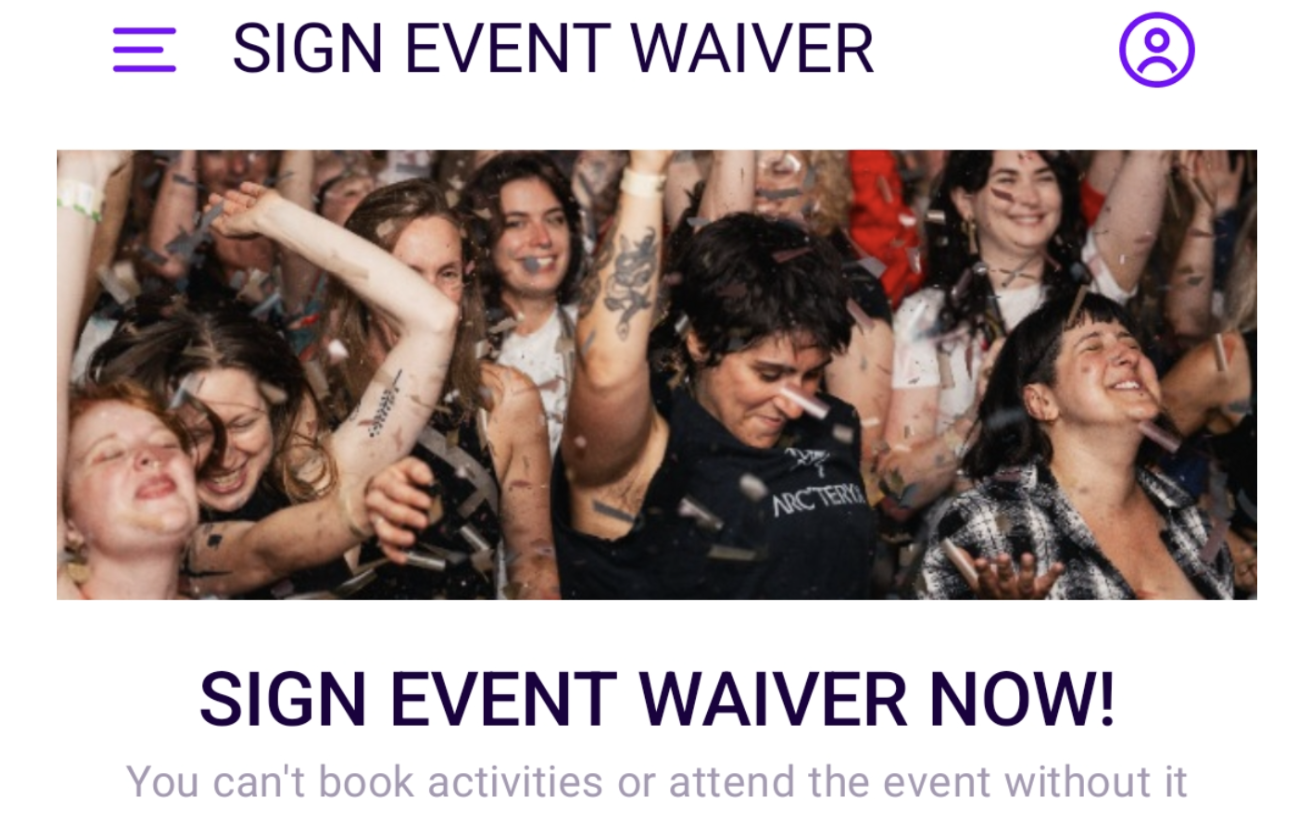
SIGN YOUR EVENT WAIVER IMMEDIATELY. You can’t book activities or attend the event without it.


step 4

Activate your account so you can book activities when they open.

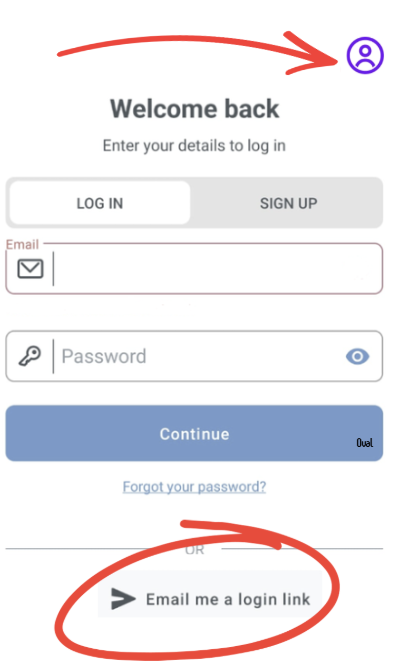
a) Tap the profile icon (top right).

b) Tap ‘Email me a login link’ to activate your account.⚠️ Note: you must use the same email address that received this email.

DO NOT click “Log In” or “Sign Up.” You need to select “Email me a login link,” as your email address has already been pre-verified in our system.

Any probs? Contact bookings@campvc.co.uk

step 5

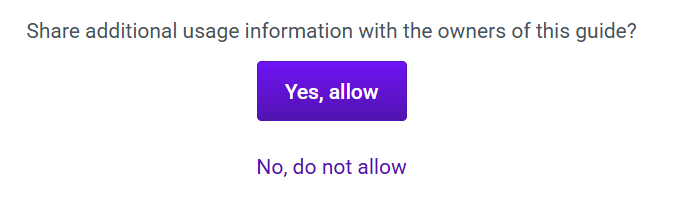
Please click “Yes, allow” when prompted to share usage information. Without this, some app features will be unavailable and we won’t be able to access the details needed to assist with any booking queries.