PLEASE FOLLOW ALL 5 STEPS TO THE END, OR YOU WON’T BE ABLE TO BOOK.
ANY ISSUES? BOOKINGS@CAMPVC.CO.UK
step 1
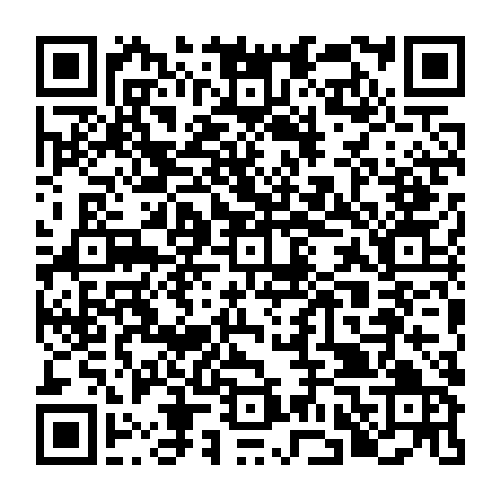
Download the Guidebook App onto your mobile by scanning the QR code or CLICKING HERE.
⚠️ If you already have Guidebook installed, please log-out.
step 2
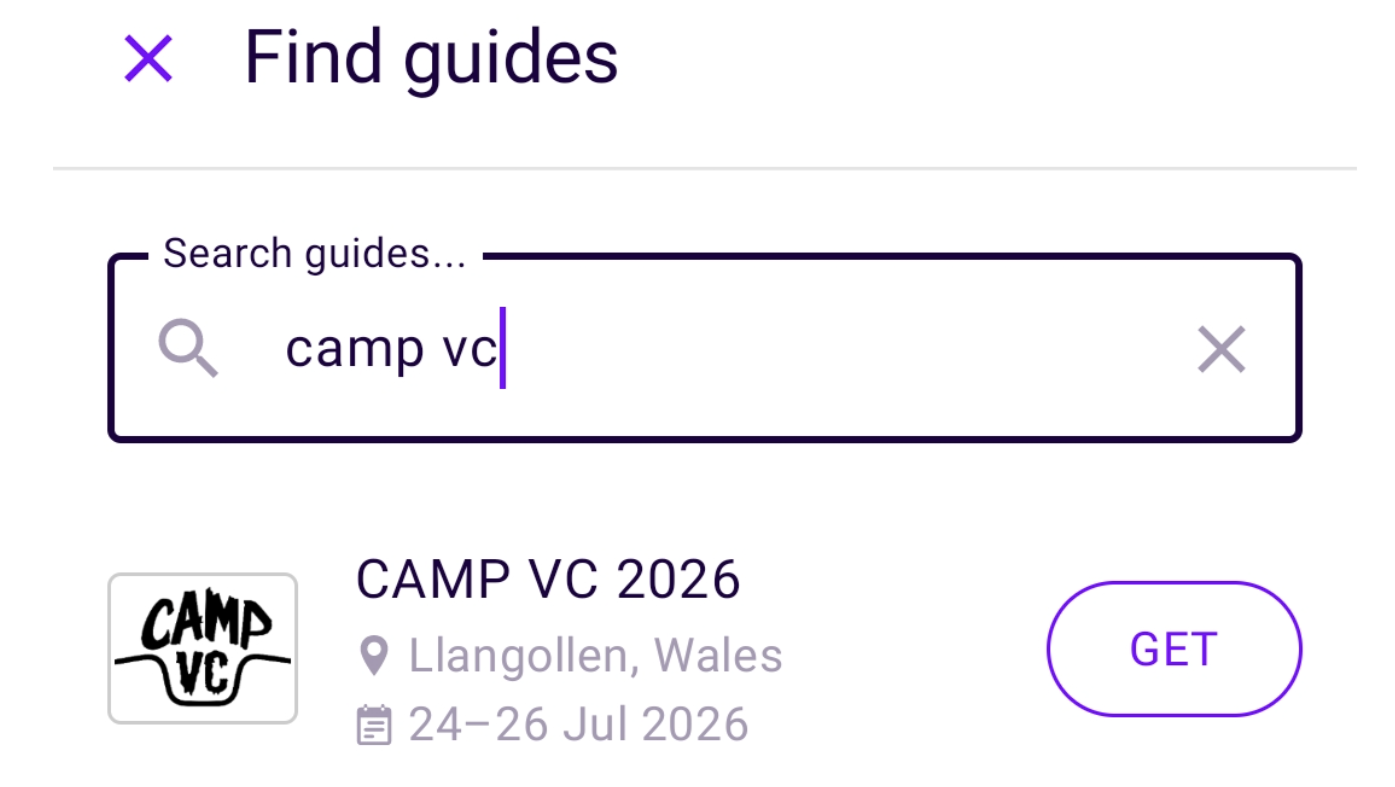
Search ‘CAMP VC 2026’ inside the app and download our event guide.
step 3
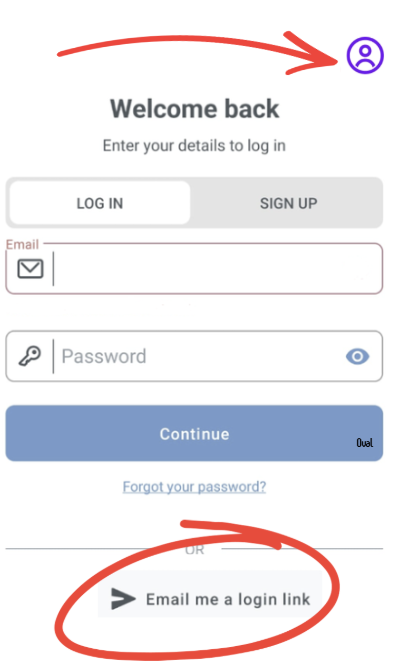
Activate your account so you can book activities when they open.
a) Tap the profile icon (top right).
b) Tap ‘Email me a login link’ to activate your account.
⚠️ You must use the same email address that received this email.
⚠️DO NOT click “Log In” or “Sign Up.” You need to select “Email me a login link,” as your email address has already been pre-verified in our system.
Any probs? Contact bookings@campvc.co.uk
step 4
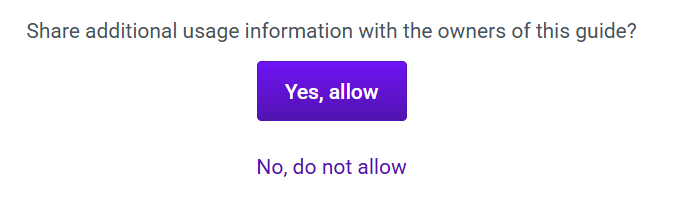
Click “Yes, allow” when prompted to share usage information. Without this, some app features won’t work, and we won’t be able to help with booking queries.
⚠️ If you don’t see this prompt, please go to profile—> settings (the cog icon) —-> privacy and ensure ‘share usage’ is toggled to ‘on’.
step 5
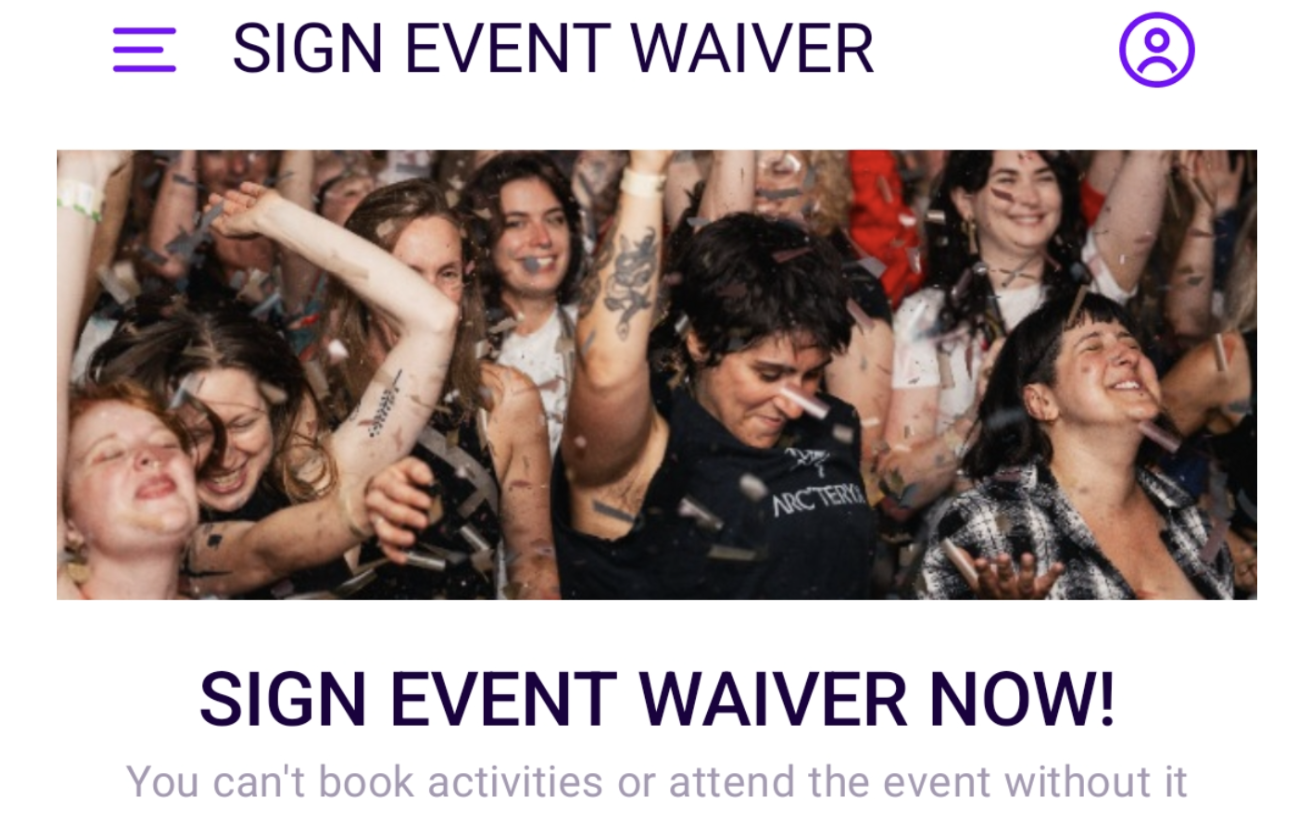
SIGN YOUR EVENT WAIVER IMMEDIATELY. You can’t book activities or attend the event without it.